What Is an M3U Playlist? (IPTV Explained Simply)

If you’ve just subscribed to an IPTV service, you were probably handed either an “M3U link” or a set of Xtream Codes. Here’s what that actually is, in plain language.
What the file really contains
An M3U file is not video. It’s a list of pointers — a simple text document where each entry names a stream and gives the address where that stream lives. Your player app opens the file, reads the list, and builds a browsable channel menu from it. Nothing is stored on your device.
M3U vs M3U8 — what’s the difference?
Almost none, practically speaking. M3U8 is the same playlist format saved in UTF-8 encoding, which means it handles accented characters and non-Latin alphabets correctly. It’s the standard used by modern HTTP streaming. If your provider gives you an .m3u8 link, that’s normal and preferable.
What an M3U link looks like
Providers usually give you one long URL containing your username and password as parameters. That single link is your subscription — treat it like a password. Anyone who has it can use your line, which can get your account locked for sharing.
Never post your M3U link in a forum, a comment or a screenshot.
M3U vs Xtream Codes

Both give you the same channels — the difference is how the app talks to the server.
| M3U link | Xtream Codes | |
|---|---|---|
| What you enter | One long URL | Server URL + username + password |
| App compatibility | Works almost everywhere | Needs Xtream support |
| Loading speed | Slower — loads the whole list | Faster — loads categories on demand |
| TV guide (EPG) | Sometimes separate | Usually built in |
| Best for | Maximum compatibility | Large channel lists |
If your app supports it, Xtream is generally the smoother experience — we cover it in How to set up IPTV with Xtream Codes.
How to use an M3U link (3 steps)
- Install an IPTV player app on your device — see the best player apps.
- Choose “Add playlist” or “M3U URL” and paste the link your provider sent you.
- Let the channel list load. On a big list this can take a minute the first time.
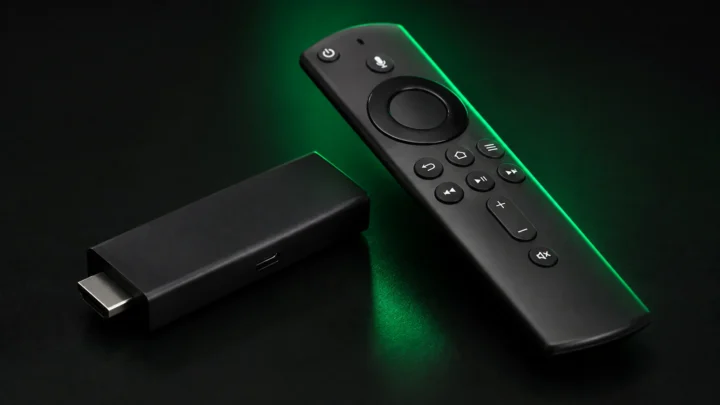
On a Firestick, follow our step-by-step install guide.
Why an M3U link stops working
- The subscription expired. The most common reason by far.
- Too many connections. The line is in use on more devices than your plan allows.
- The link was shared. Providers lock lines used from many IPs at once.
- The server address changed. Your provider will send an updated link.
- A typo when pasting. Always copy the whole URL, never retype it.
- Your VPN server. See IPTV with a VPN.
Is a free M3U playlist safe?
Free public M3U lists circulate widely, but they’re unreliable and often unsafe — dead links, no support, and frequently bundled with dubious apps. We break down the risks in Is free IPTV safe?
Bottom line
An M3U playlist is just a text list of stream addresses — simple, universal, and the easiest way to get started. Keep your link private, use a player that suits your device, and it takes two minutes to set up. Get your own link with a free trial.
Ready to try IPTV now?
20,000+ channels, 60,000+ movies & series, instant activation.
View IPTV plans