How to Install IPTV on Firestick (2026 Step-by-Step Guide)
Quick answer
To install IPTV on a Firestick: allow apps from unknown sources in Settings, install the Downloader app, use it to download a player like IPTV Smarters Pro, then log in with the Xtream Codes username, password and server URL from your subscription. The whole process takes under ten minutes.
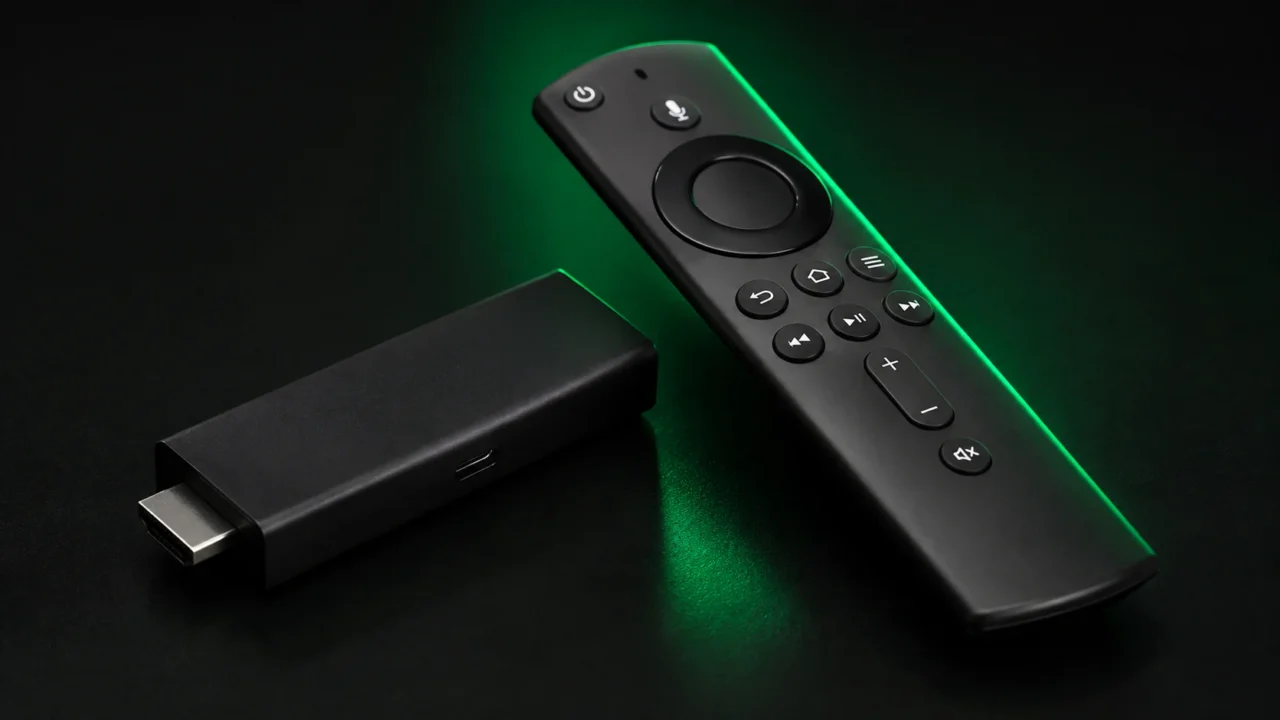
The Amazon Fire TV Stick is one of the most popular ways to watch IPTV, because it plugs into any TV with an HDMI port and turns it into a full streaming device for just a few dollars. The good news is that installing IPTV on a Firestick is quick — most people are up and running in under ten minutes. In this step-by-step guide we cover everything: what you need, how to allow third-party apps, how to install a player, and how to fix the most common problems.
What you need before you start
Before you begin, make sure you have three things. First, an Amazon Fire TV Stick — any model works, but a Firestick 4K or 4K Max is recommended if you want true Ultra HD. Second, a stable internet connection: around 15 Mbps is enough for HD, while 4K streaming is smoother at 25 Mbps or more. Third, an active IPTV subscription. As soon as you order, we send your username, password and server URL (or an M3U link) by email and WhatsApp, usually within five minutes.
Step 1 — Allow apps from unknown sources
By default, the Firestick only installs apps from the Amazon Store, so you first need to allow “sideloading”. From the home screen, go to Settings > My Fire TV > Developer options and turn on Install unknown apps for the Downloader app. On some newer devices this option only appears after you have installed Downloader, so if you cannot find it, do Step 2 first and come back.
Step 2 — Install the Downloader app
Open the search icon on your Firestick, type “Downloader” and install the orange Downloader app from the Amazon Store. Downloader lets you enter a web link and download an app file directly to your device. Open it, allow the permissions it asks for, and you are ready to install your IPTV player.
Step 3 — Install your IPTV player
In Downloader’s URL field, enter the download link for IPTV Smarters Pro that we provide with your subscription (TiviMate and XCIPTV are excellent alternatives). Wait for the file to download, then choose Install. Once finished, you can delete the installer file to free up space — the app stays installed.
Step 4 — Enter your credentials
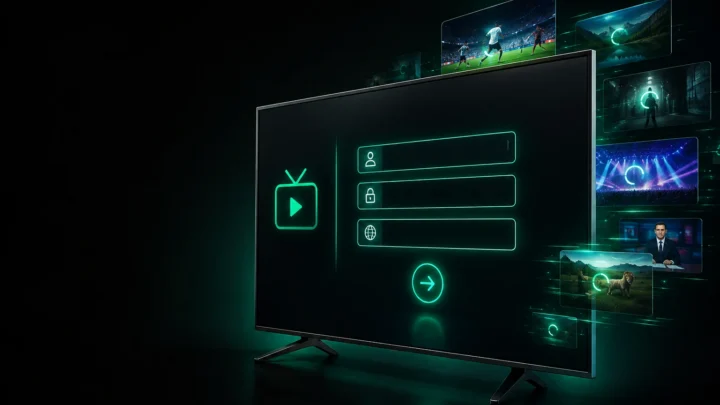
Open your IPTV player and choose “Login with Xtream Codes API”. Enter the username, password and server URL from your welcome email exactly as shown, with no extra spaces. Confirm, and the app will load your channels, movies and series along with the TV guide (EPG). This usually takes about thirty seconds the first time.
Step 5 — Optimise for the best picture
For the smoothest playback, open the app settings and select the ExoPlayer decoder, and enable hardware decoding where available. If you have a 4K TV and a fast connection, choose the 4K/UHD versions of channels (often labelled 4K or UHD in the list). A wired Ethernet adapter is more stable than Wi-Fi if your Firestick supports one.
Troubleshooting common problems
If a channel freezes or buffers, first check your internet speed and restart your router; most issues come from the local connection rather than the service. If a single channel is down, it is usually temporary stream maintenance — contact us and we will switch you to a backup feed straight away. If the app says “invalid credentials”, re-enter your details carefully, respecting upper and lower case. For anything else, our 24/7 WhatsApp support can configure your device remotely, for free. You can also follow our full setup guide or read the dedicated IPTV Firestick page.
Ready to watch? Get your IPTV subscription today and start streaming 20,000+ channels in 4K on your Firestick in minutes.
Ready to try IPTV now?
20,000+ channels, 60,000+ movies & series, instant activation.
View IPTV plans