How to Set Up IPTV with Xtream Codes API (Full 2026 Guide)
Quick answer
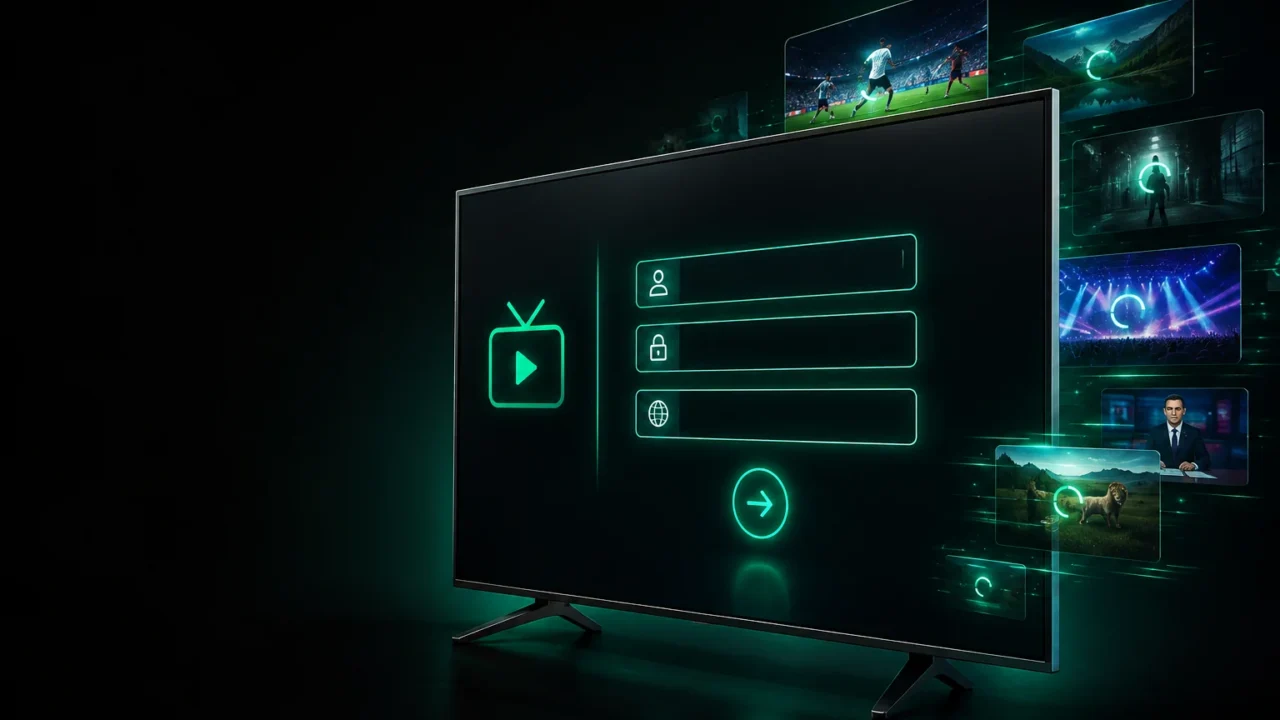
To set up IPTV with the Xtream Codes API, open your player (IPTV Smarters, TiviMate or Smarters Player Lite), choose "Login with Xtream Codes API", and enter the username, password and server URL from your welcome email. The app loads your channels, movies and EPG in about thirty seconds.
If you have just ordered an IPTV subscription, you have probably seen the term Xtream Codes in your welcome email. It is the easiest and most reliable way to log in to an IPTV service — and once you understand it, setup takes about a minute. This full guide explains what Xtream Codes is, how it differs from an M3U link, and how to set it up step by step on any device.
What is Xtream Codes?
Xtream Codes API is a login method for IPTV apps. Instead of pasting a long playlist link, you enter three simple details — a username, a password and a server URL — and the app pulls in your live channels, movies, series and the TV guide (EPG) automatically. It is the method most players and providers recommend because it is quick to enter and keeps your guide and categories neatly organised.
Xtream Codes API vs M3U link: what’s the difference?
Both give you the same content; they are just two ways to connect. An M3U link is a single long URL containing your whole playlist — handy, but harder to type and it often shows a flatter channel list. The Xtream Codes API uses three short fields, loads a proper EPG and category structure, and is easier to re-enter if you switch devices. For most people, Xtream Codes is the better choice.
What you need before you start
You need your Xtream Codes details (we send them by email right after purchase), a compatible IPTV player, and a stable internet connection. Have your username, password and server URL ready — copy them exactly as shown, with no extra spaces.
Step 1 — Get your Xtream Codes details
Open the welcome email you received after your subscription. You will find three items: Username, Password and Server URL (something like http://yourserver:port). Keep them private — sharing them can breach the terms and get your access suspended.
Step 2 — Install a compatible IPTV app
Install a player that supports the Xtream Codes API: IPTV Smarters Pro, TiviMate or XCIPTV on Firestick and Android; Smarters Player Lite or GSE on Apple TV and iOS. See our full list on the IPTV apps page.
Step 3 — Enter the Xtream Codes API login
Open the app and choose “Login with Xtream Codes API” (sometimes called “Add user”). Enter any name for the playlist, then type your username, password and server URL exactly as in your email. Confirm to continue.
Step 4 — Load and organise your channels
The app now downloads your live channels, movies, series and EPG — this takes about thirty seconds the first time. Once loaded, you can favourite channels, hide categories you do not watch, and set the decoder to ExoPlayer or Hardware for the smoothest playback.
Troubleshooting Xtream Codes login
If you see “invalid credentials”, re-enter your details carefully, respecting upper and lower case and removing any trailing spaces. Make sure the server URL includes the port exactly as shown. If channels load but buffer, the issue is usually your connection — see our guide on fixing IPTV buffering. Still stuck? Our 24/7 support can configure everything remotely, and our full setup guide covers every device.
Ready to log in? Get your IPTV subscription and receive your Xtream Codes details instantly to start streaming 20,000+ channels in 4K.
Ready to try IPTV now?
20,000+ channels, 60,000+ movies & series, instant activation.
View IPTV plans