How Much Internet Speed Do You Need for 4K IPTV?
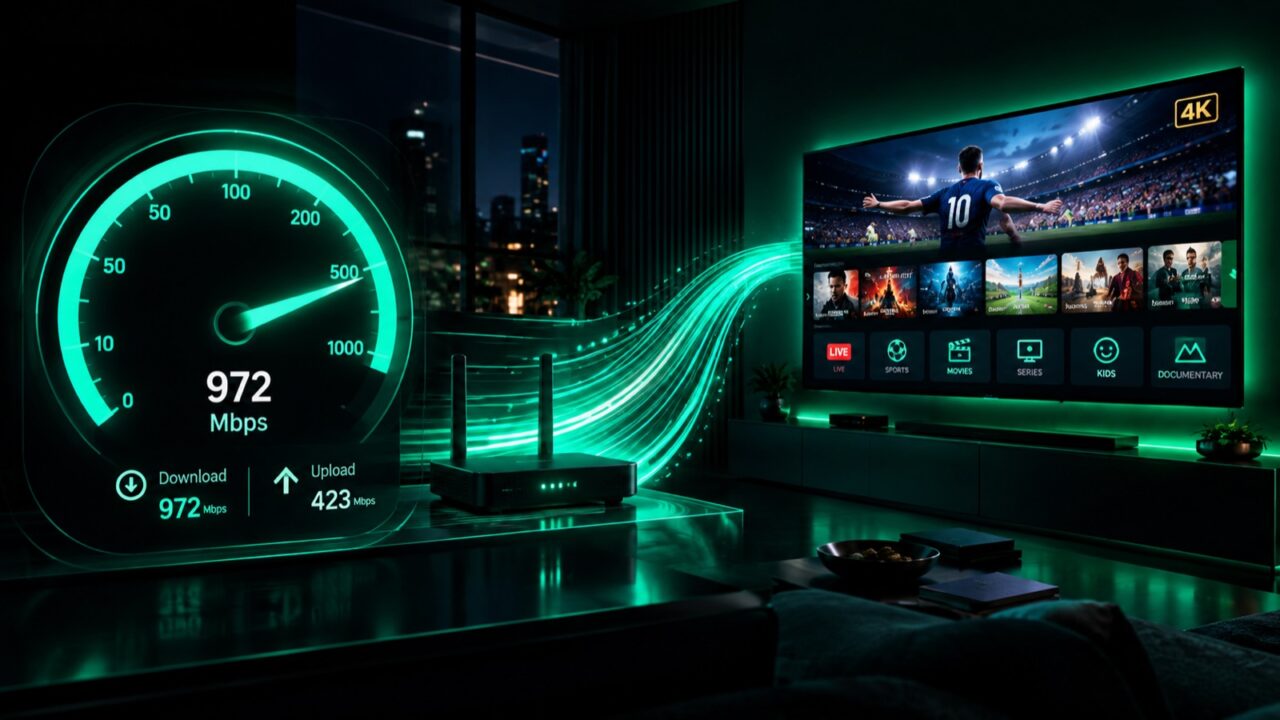
Internet speed is the number one reason 4K IPTV either looks stunning or buffers constantly. Below is exactly how much speed each quality level needs, and how to make sure your connection can handle Ultra HD.
Recommended speed by quality
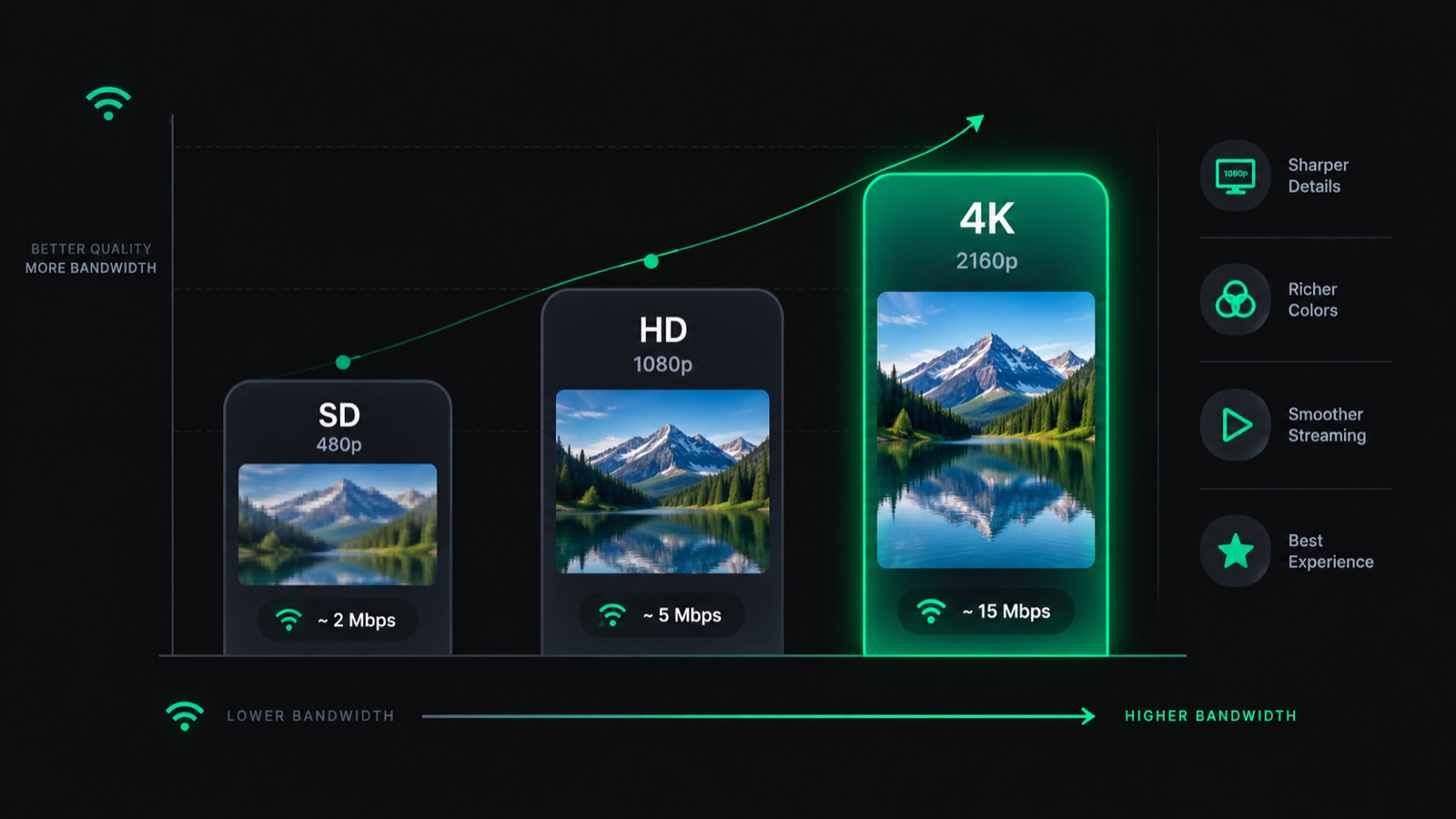
| Quality | Resolution | Minimum speed | Recommended |
|---|---|---|---|
| SD | 480p | 3 Mbps | 5 Mbps |
| HD | 720p–1080p | 8 Mbps | 10 Mbps |
| Full HD | 1080p | 12 Mbps | 15 Mbps |
| 4K / UHD | 2160p | 25 Mbps | 35+ Mbps |
Why 4K needs more speed
A 4K stream carries roughly four times the pixels of 1080p, so it moves far more data every second. If your connection dips below 25 Mbps during a live 4K broadcast, the stream drops to a lower resolution or freezes.
Speed isn’t everything — stability matters more
A stable 30 Mbps connection beats an unstable 100 Mbps one. Latency spikes and packet loss cause more 4K buffering than raw speed. If your speed looks fine but streams still stutter, work through our 9 proven fixes for IPTV buffering.
Multiple devices? Add it up
Each simultaneous 4K stream needs its own 25+ Mbps. Two 4K TVs at once = 50 Mbps minimum. Factor in phones, consoles and browsing on the same network.
Wi-Fi vs Ethernet for 4K
For 4K IPTV, a wired Ethernet connection is far more reliable than Wi-Fi. If you must use Wi-Fi, stay on the 5 GHz band and sit close to the router. On a Firestick, an Ethernet adapter noticeably reduces freezing.
How to test your speed
Run a speed test (speedtest.net or fast.com) on the same device you stream on, during the evening peak. If you consistently get 35+ Mbps, your line is ready for 4K. Want to see if it’s worth it overall? Read What is IPTV?
Bottom line
Target 35 Mbps stable per 4K stream, use Ethernet where possible, and test during peak hours. Meet that and 4K IPTV will look razor-sharp. Ready to try it? Start a free 4K IPTV trial.
Ready to try IPTV now?
20,000+ channels, 60,000+ movies & series, instant activation.
View IPTV plans