What Is IPTV? A Complete Beginner’s Guide (2026)
Quick answer
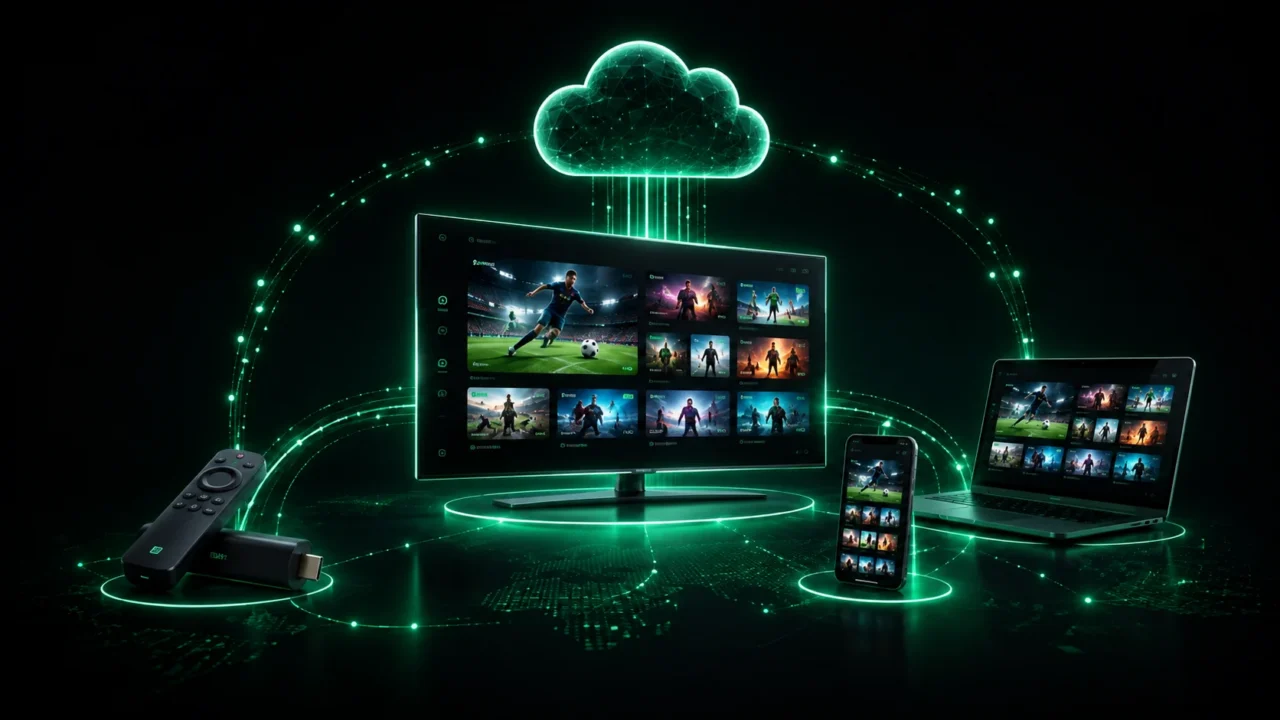
IPTV (Internet Protocol Television) means watching live TV and on-demand content over your internet connection instead of an aerial, cable or satellite dish. You need a compatible device (Smart TV, Firestick, phone or Apple TV), a stable connection, and an IPTV subscription that provides your login details. Setup takes only a few minutes.
If you have started shopping around for a way to watch live TV without an aerial, a satellite dish or an expensive cable contract, you have almost certainly come across the term IPTV. But what is IPTV exactly, how does it work, and is it the right choice for you? This complete beginner’s guide explains everything in plain English — no jargon, no assumptions.
What is IPTV?
IPTV stands for Internet Protocol Television. In simple terms, it means watching television delivered over the internet instead of through a traditional aerial (terrestrial), satellite dish or cable line. Instead of a broadcast signal reaching your TV through the air or a wire, the video travels as data over your normal broadband connection — the same connection you use for browsing, YouTube or Netflix. The result is thousands of live channels and on-demand movies and series available on almost any screen.
How does IPTV work?
When you press play, your device sends a request over the internet to a media server. That server streams the channel back to you in small, continuous packets of data that your app reassembles into smooth video in real time. Because everything runs over the internet, a good IPTV service can offer far more channels than cable ever could, plus a full TV guide (EPG), catch-up TV and a large library of video on demand. The quality — from HD up to true 4K IPTV — depends mostly on the provider’s servers and on your own internet speed.
What do you need to use IPTV?
Getting started is refreshingly simple. You need three things: a reasonably fast, stable internet connection (around 15 Mbps for HD, 25 Mbps or more for 4K); a compatible device; and an IPTV subscription that provides your login details. Almost every modern device works — a Firestick, a Smart TV, an Android phone or box, or an Apple TV, iPhone or iPad. You install a player app, enter the credentials you receive by email, and your channels load automatically.
IPTV vs cable and satellite: what’s the difference?
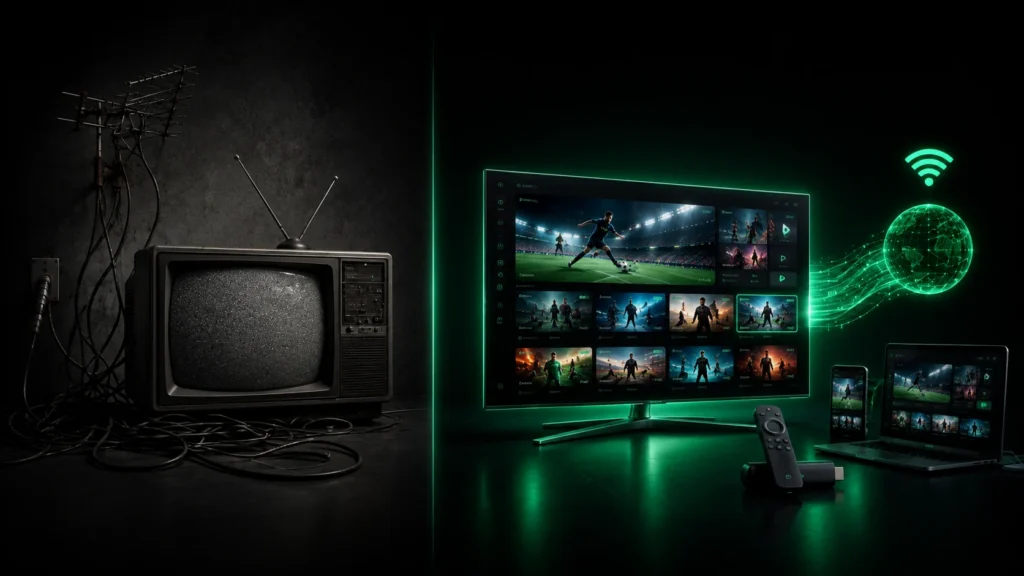
Traditional cable and satellite lock you into long contracts, limited channel packages and hardware you have to rent. IPTV flips that model: you stream over the internet, choose exactly the plan length you want, and watch on devices you already own. It is usually far cheaper, far more flexible, and gives you access to international channels and a huge on-demand catalogue that cable simply cannot match. The trade-off is that IPTV depends on your internet — a weak connection means buffering, which is why server quality and Wi-Fi matter.
Is IPTV any good — and is it reliable?
A premium IPTV service can be excellent: sharp 4K, thousands of channels, and playback that stays smooth even during live sport. The key is choosing a provider with proper, monitored servers and anti-freeze technology rather than a throwaway “cheap” link that collapses during big events. Reliability comes down to two things — the provider’s infrastructure and your own connection. If you want to see the difference for yourself, the smartest move is to test before you buy.
How to get started with IPTV
The process takes minutes. Choose a plan on our IPTV subscription page, complete a secure checkout, and you receive your login details almost instantly. Install a player on your device, enter those details, and your channels and VOD appear right away — our step-by-step setup guide walks you through every device. Not sure yet? Start with a free IPTV trial and test the channels you actually watch, risk-free.
Ready to cut the cord? Explore our best IPTV plans and start streaming 20,000+ channels in 4K on any device.
Ready to try IPTV now?
20,000+ channels, 60,000+ movies & series, instant activation.
View IPTV plans