Do You Need a Special App to Watch 4K IPTV?
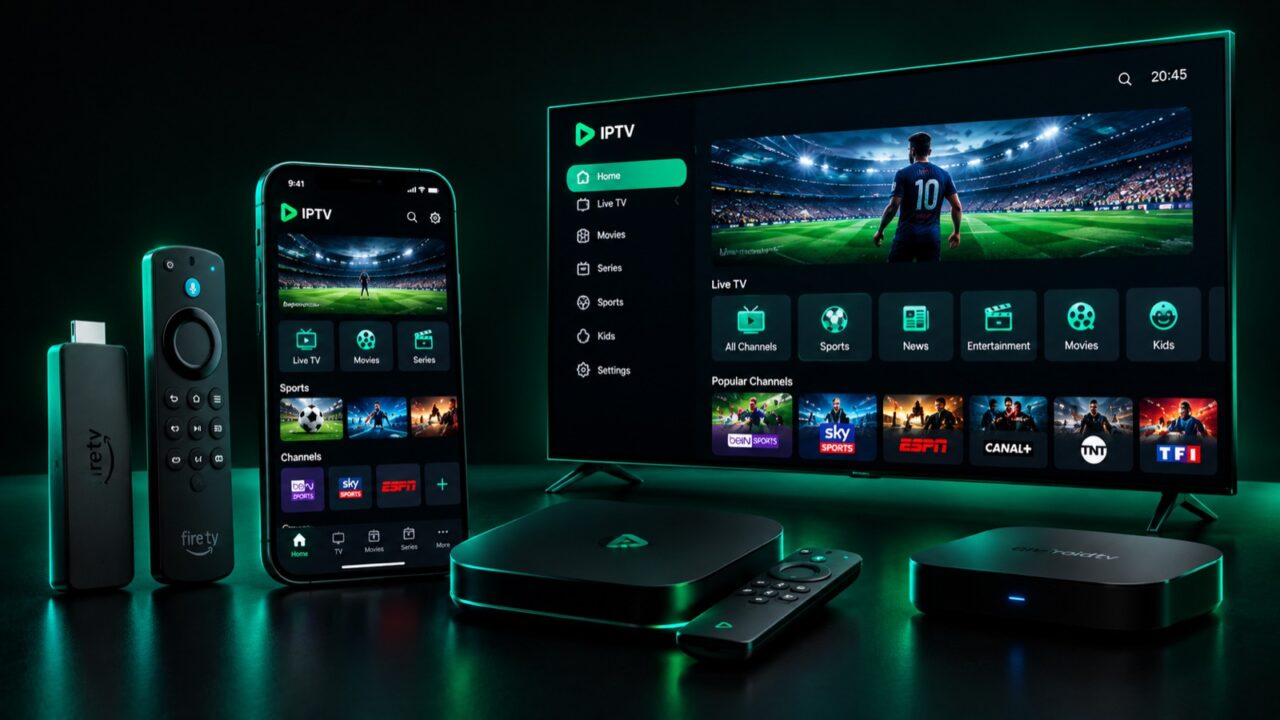
One of the most common beginner questions is whether 4K IPTV needs a special app. The short answer is yes — but it’s simple. You don’t buy separate software for “4K”; you just need a capable IPTV player and a device that supports Ultra HD output.
Why you need an IPTV app
An IPTV subscription isn’t a website you log into — it’s a playlist of channels delivered through a player app. The app takes your provider’s credentials (an M3U link or Xtream Codes login) and turns them into a channel guide you can browse. Without a player, there’s nothing to display the streams.
Does the app affect 4K quality?
The app itself doesn’t create 4K — that comes from the provider’s stream and your device’s hardware. But a good player decodes 4K smoothly and supports hardware acceleration, which prevents stutter. A weak or outdated app can bottleneck an otherwise perfect 4K feed.
Best apps by device
| Device | Popular 4K-capable players |
|---|---|
| Firestick / Fire TV | TiviMate, IPTV Smarters |
| Android / Android TV | TiviMate, IPTV Smarters Pro |
| Smart TV (Samsung/LG) | Smart IPTV, IPTV Smarters |
| iPhone / iPad / Apple TV | IPTV Smarters, GSE Smart IPTV |
For a full breakdown, see our best IPTV player apps of 2026.
What you need for true 4K
Three things must line up:
- A 4K stream from your provider (native UHD channels — see 4K vs regular IPTV).
- A 4K-capable device (Fire TV Stick 4K, Android box, 4K Smart TV).
- Enough internet speed — at least 25 Mbps (details in our 4K speed guide).
How to set it up (3 steps)
1. Install an IPTV player from your device’s app store. 2. Enter the M3U/Xtream Codes login your provider gives you. 3. Let the channel list load and start streaming in 4K. On Firestick, follow our step-by-step install guide.
Do you need a VPN app too?
Not required, but many users add one for privacy. Learn more in Can your ISP see your IPTV?
Bottom line
You need one thing: a solid IPTV player app that matches your subscription format — no special “4K app” required. Get your login with a free trial and start watching in 4K today.
Ready to try IPTV now?
20,000+ channels, 60,000+ movies & series, instant activation.
View IPTV plans