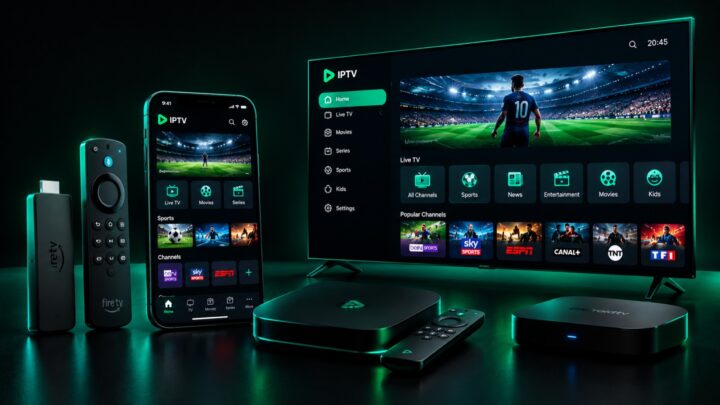
Best IPTV Apps for Apple TV, iPhone & iPad (4K)
Quick answer
The best IPTV apps for Apple TV, iPhone and iPad are Smarters Player Lite, GSE Smart IPTV and IPTV Smarters, all from the App Store. They support Xtream Codes and M3U, include a TV guide, and handle 4K on the Apple TV 4K. You can also AirPlay from iPhone to your TV.
Apple devices are a brilliant way to watch IPTV — the Apple TV 4K in particular offers some of the smoothest Ultra HD playback of any streaming box. But Apple’s ecosystem is a little different from Android, and the right app makes all the difference. Here are the best IPTV apps for Apple TV, iPhone and iPad, plus exactly how to set them up for 4K.
The best IPTV apps for Apple TV & iOS
On the App Store, the three most reliable choices are Smarters Player Lite, GSE Smart IPTV and IPTV Smarters. All three support Xtream Codes login and M3U playlists, include a full EPG (TV guide), and handle 4K playback on the Apple TV 4K. Smarters Player Lite is the most popular for its clean, TV-friendly interface, while GSE is a favourite among power users for its flexibility.
How to set up IPTV on Apple TV
Setup is quick. Install your chosen app from the App Store, open it, and select “Xtream Codes API” (or “Add M3U playlist”). Enter the username, password and server URL from your welcome email, exactly as shown. Confirm, and the app loads your channels, movies and series within about thirty seconds. For a fuller walkthrough, see our IPTV on Apple TV page.
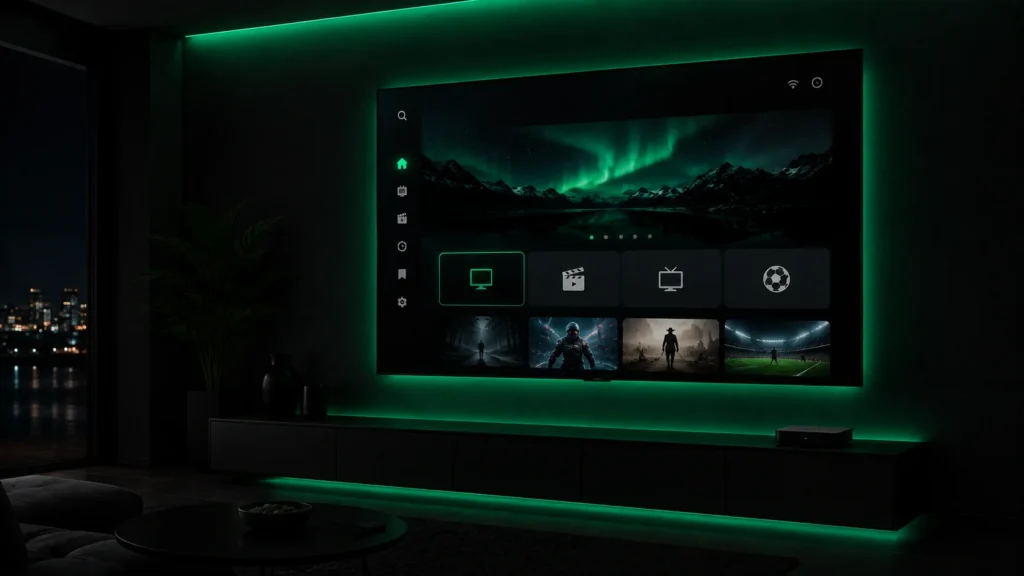
Streaming in 4K on the Apple TV 4K
The Apple TV 4K is one of the best devices you can use for IPTV, thanks to its powerful chip and excellent video processing. To get true Ultra HD, pair it with a 4K IPTV subscription and a connection of at least 25 Mbps. In the app, choose the 4K/UHD versions of channels where available, and set the Apple TV output to 4K in tvOS settings.
Watching on iPhone and iPad
The same apps work beautifully on iPhone and iPad, so you can watch on the go. When you are home, use AirPlay to cast the picture straight to your Apple TV or any AirPlay-compatible television — handy if you want to start a match on your phone and finish it on the big screen.
Tips for the smoothest experience
For the best results on Apple devices, keep the app updated, use a strong Wi-Fi signal or Ethernet (via an adapter on Apple TV), and restart the app if a channel stalls. If you ever get stuck, our 24/7 support can help you configure everything.
Ready to watch on Apple TV? Get your IPTV subscription and enjoy 20,000+ channels in 4K.
Ready to try IPTV now?
20,000+ channels, 60,000+ movies & series, instant activation.
View IPTV plans