Best Streaming Device for IPTV in 2026 (Firestick vs Roku vs Android vs Apple TV)
Quick answer
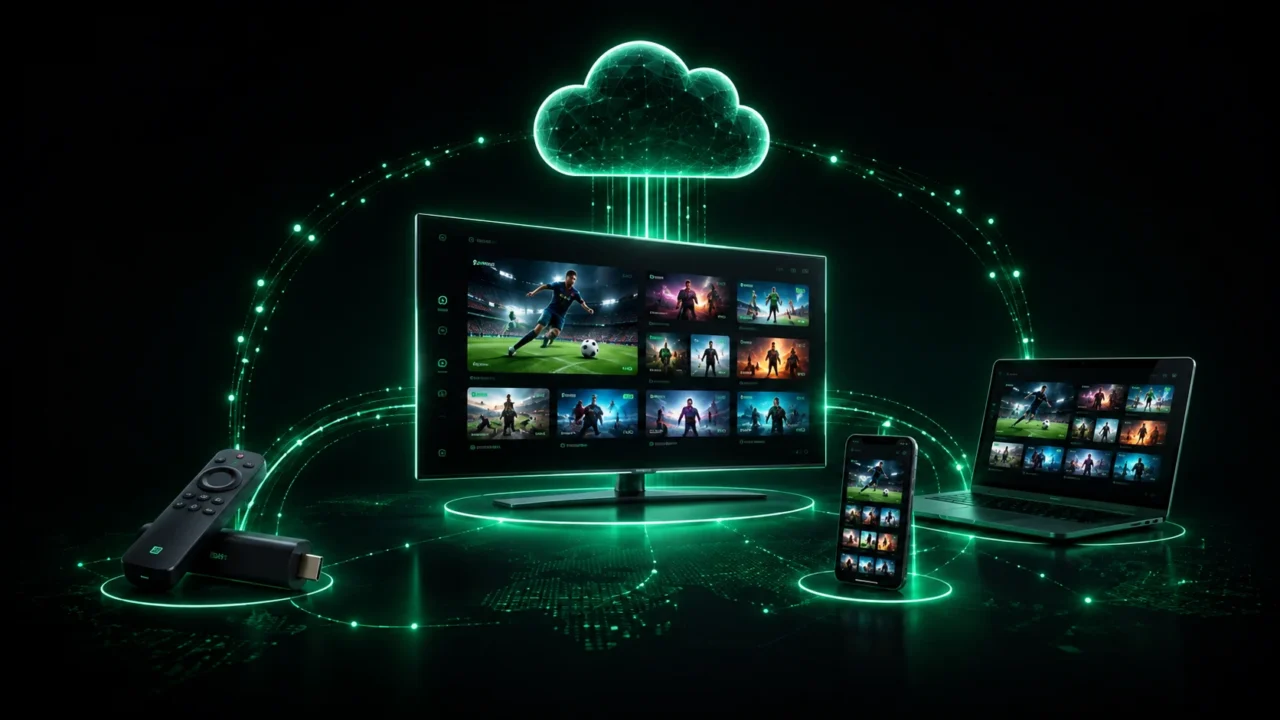
For most people the best streaming device for IPTV in 2026 is the Amazon Firestick 4K or 4K Max: it is cheap, plays true 4K and lets you install apps like IPTV Smarters and TiviMate. An Android TV box is the most flexible, the Apple TV 4K gives the smoothest premium experience, and Roku is the easiest to use but the most limited for IPTV player apps.
Your IPTV experience is only as good as the device you play it on. Two people can use the same service and have completely different results — crisp 4K for one, constant buffering for the other — simply because of the box behind the TV. So what is the best streaming device for IPTV? Here is an honest 2026 comparison of the Firestick, Roku, Android boxes and Apple TV.
What makes a good IPTV device?
Four things matter: it must run a proper IPTV player (IPTV Smarters, TiviMate, XCIPTV or similar), output true 4K if you have a 4K TV, switch channels quickly, and stay stable during live sport. Ease of setup and price then separate the options. See the players we recommend on our best IPTV player apps guide.
Amazon Firestick 4K / 4K Max — best value
The Amazon Fire TV Stick is the most popular IPTV device for good reason: it is inexpensive, plugs into any HDMI TV, outputs true 4K on the 4K and 4K Max models, and lets you sideload players like IPTV Smarters Pro and TiviMate. Setup takes under ten minutes. For most viewers it is the best balance of price, power and flexibility.
Android TV box — most flexible
An Android TV box (or Android TV built into your set) is the power-user choice. You install any player straight from the Play Store, run multiple playlists, and get full control over decoders and settings. Good boxes handle 4K smoothly and often add more storage and ports than a stick. The trade-off is that quality varies a lot between cheap and premium boxes.
Apple TV 4K — smoothest premium experience
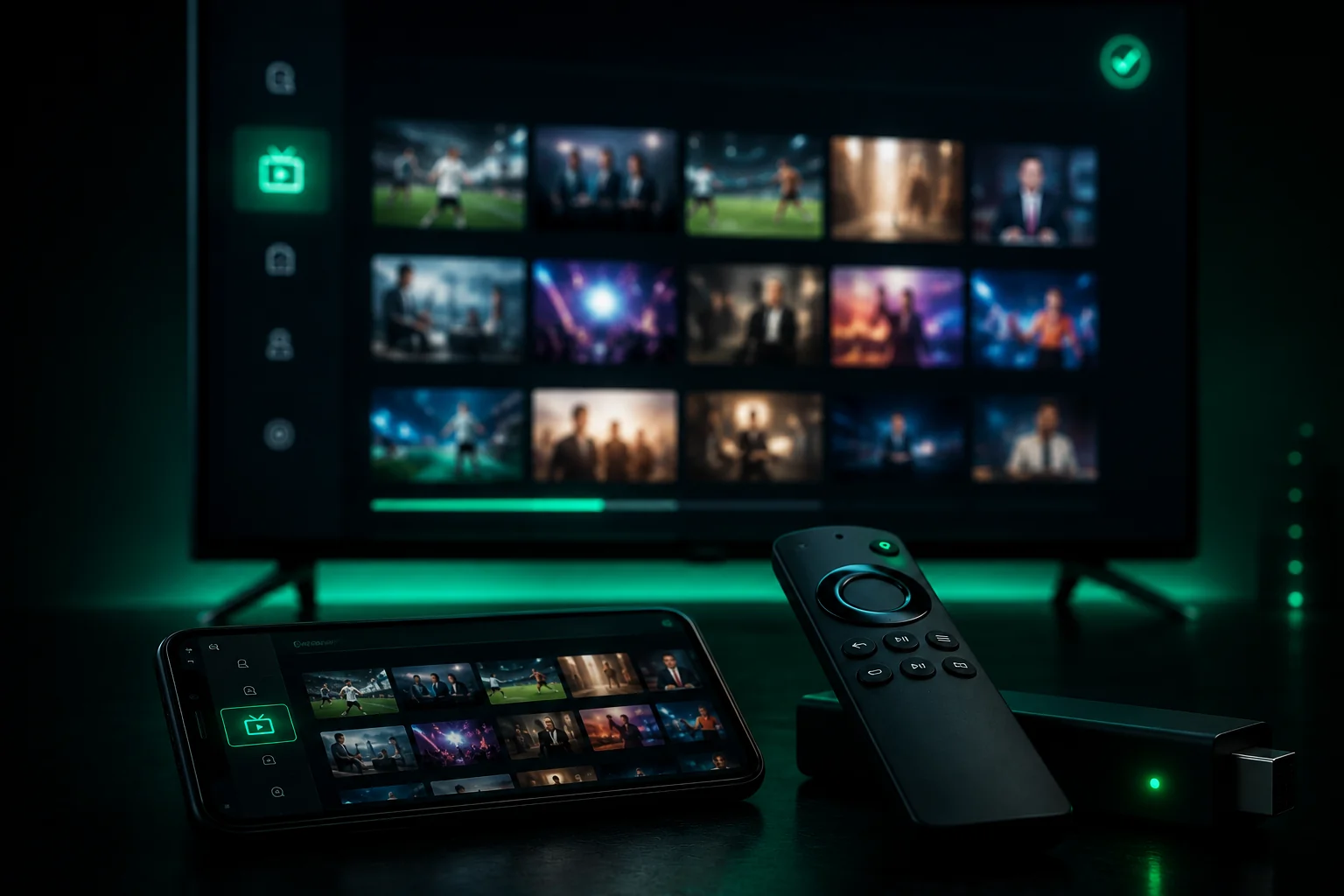
The Apple TV 4K offers the slickest, most reliable playback of any streaming box, thanks to its powerful chip and excellent video processing. Apps like Smarters Player Lite and GSE handle 4K beautifully, and you can AirPlay from your iPhone. It is the priciest option, but if you want a premium, set-and-forget experience it is hard to beat.
Roku — easiest, but the most limited for IPTV
Roku is wonderfully simple and great for mainstream apps, but it is the most restrictive for IPTV: it does not officially support the popular IPTV player apps and does not allow sideloading, so your options are limited. If IPTV is your main goal, a Firestick or Android box is a better buy than a Roku.
Quick comparison
| Device | 4K | IPTV player apps | Ease | Best for |
|---|---|---|---|---|
| Firestick 4K / 4K Max | Yes | Excellent (sideload) | Easy | Best value |
| Android TV box | Yes | Excellent (Play Store) | Medium | Most flexible |
| Apple TV 4K | Yes | Good (App Store) | Easy | Smoothest / premium |
| Roku | Yes | Limited | Very easy | Mainstream apps, not IPTV |
Which should you choose?
For the best all-round value, get a Firestick 4K Max. If you want maximum control and multiple playlists, choose an Android TV box. If you want the smoothest premium experience and own Apple gear, go Apple TV 4K. Only pick Roku if IPTV is a minor use and you mainly want mainstream apps. Whichever you choose, browse compatible players on our IPTV apps page.
The bottom line
The device matters almost as much as the service. A Firestick 4K covers most people perfectly; Android boxes and the Apple TV 4K suit power users and premium buyers; Roku is best avoided for IPTV. Got your device ready? Pair it with a stable IPTV subscription in 4K — with a free trial before you buy.
Ready to try IPTV now?
20,000+ channels, 60,000+ movies & series, instant activation.
View IPTV plans