Best IPTV for Firestick in 2026: What to Look For
Quick answer
The best IPTV for Firestick combines anti-freeze servers, high uptime, true 4K quality and a large catalogue — not just a low price. Pair a premium service with TiviMate or IPTV Smarters Pro, and use a Firestick 4K or 4K Max for Ultra HD. Always test with a free trial first.
The Fire TV Stick is a fantastic little device, but it is only as good as the IPTV service you pair it with. Two people can use the same Firestick and have completely different experiences — one with crisp, stable 4K and one with constant buffering — purely because of the provider they chose. So how do you find the best IPTV for Firestick? In this guide we break down exactly what to look for, which apps to use, and how to get the best possible picture.
What makes the best IPTV for Firestick?
Price is the first thing people compare, but it is the wrong place to start. The best IPTV providers are defined by stability first: anti-freeze servers, a high uptime (we target 99.9%), and enough bandwidth to handle live sports at peak times without dropping frames. After that comes true 4K/UHD quality, a large and up-to-date channel and VOD catalogue, fast channel switching, and responsive support you can actually reach when something goes wrong. A cheap service that freezes during the big game is no bargain.
The best IPTV apps for Firestick
The app you use matters almost as much as the service. On Firestick, the three most reliable players are IPTV Smarters Pro, TiviMate and XCIPTV. All three support Xtream Codes login, a full EPG (electronic programme guide), catch-up and 4K playback. TiviMate has the most polished interface and the best remote navigation, which many users prefer on a TV. Whichever you choose, the setup is the same — see our step-by-step setup guide.
HD vs 4K on the Firestick
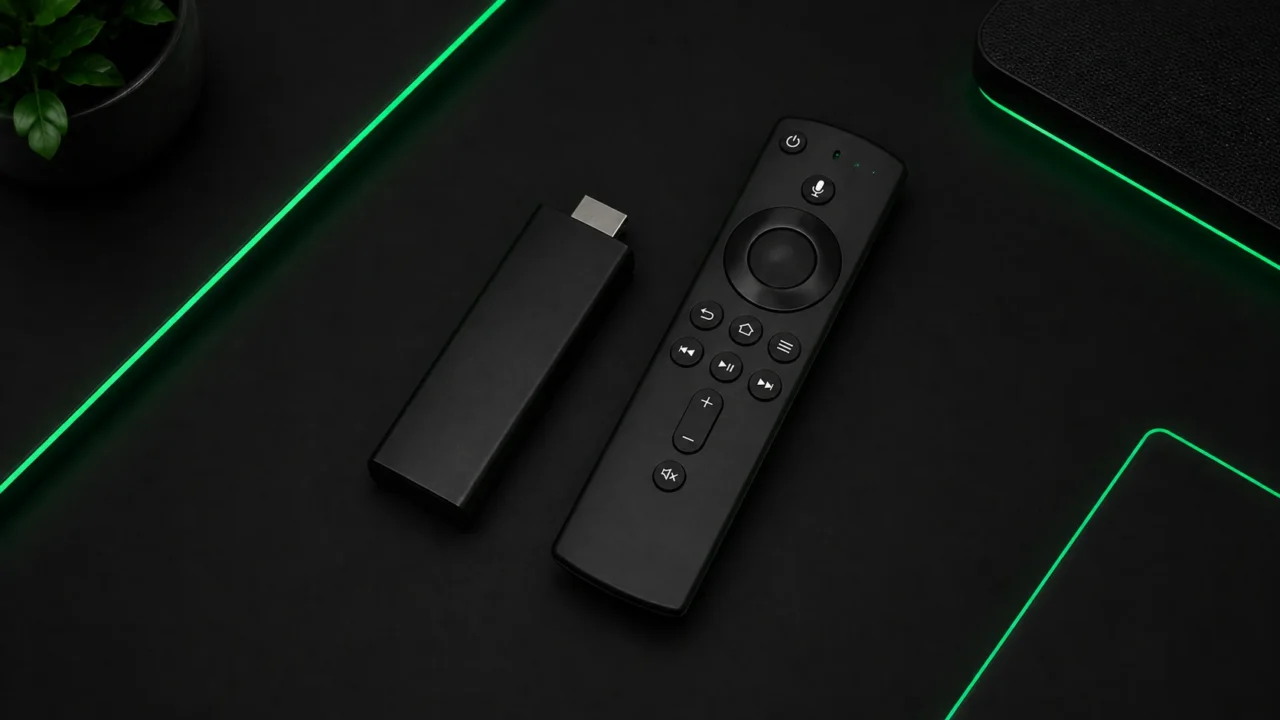
Not every Firestick handles 4K. The standard Fire TV Stick and Lite models are limited to Full HD, while the Firestick 4K and 4K Max output true Ultra HD. If you have a 4K TV, the 4K Max is the best value device for IPTV. If you are on an older stick, stay in Full HD for smooth, stutter-free playback. You can read more about the difference on our 4K IPTV page.
How to test before you commit
The smartest way to judge any provider is to try it on your own Firestick, on your own internet connection, before paying for a long plan. Channel quality can vary by region and by time of day, so a real-world test tells you far more than a review. That is exactly why we offer a free IPTV trial — test the sports, movies and channels you actually watch, then decide.
Our recommendation
For the best Firestick experience, choose a premium IPTV service with anti-freeze servers, a 4K catalogue, 24/7 support and a money-back guarantee. It costs a little more than the throwaway “cheap” options, but it is the difference between watching your team win and staring at a loading spinner.
Ready to try IPTV now?
20,000+ channels, 60,000+ movies & series, instant activation.
View IPTV plans